Sight loss affects people of all ages but the older you are, the greater risk of developing problems with your eyesight. 1 in 9 people aged 60 and over are living with sight loss and 1 in 5 people aged 75 years and over according to the RNIB (Royal National Institute of Blind People).
Thanks to technology developing constantly, we are seeing an increase in assistive technology, including more powerful and more accurate devices.
In this blog, we’re going to look at the different options available to those with visual impairments and how they work.
Braille Displays
Braille displays, sometimes called refreshable braille displays, are devices that allow you to read what’s on your computer screen in braille. They have flat surfaces with pins underneath that move around to form different combinations. By feeling the pins move the person can read in braille.
To use a braille display, you’ll need to have a braille translation software installed to translate the documents you’re reading into braille. The most commonly used braille translation software is Duxbury Braille Translator. It is available in the UK from the RNIB, Sight and Sound Technology, and Vision Aid.
There are a number of device options available:
• Braillant BI 40
• Orbit Reader
• Braille Me
• BrailleSensePolaris
• BrailleNote Touch
• iniseOne
• Blitlab
Screen Readers
Screen readers are a type of software that read text aloud so that people with visual impairments can hear it.
Nowadays, nearly all computers, tablets, and smartphones now have built-in screen readers. You can buy more advanced screen readers to get access to more features.
Screen readers use a synthetic voice to read aloud what’s on your screen. They require the use of keyboard shortcuts or gestures on the mouse pad to control what is being read aloud. Both the language and speed can be adjusted.
Popular screen readers include:
• JAWS (Job Access With Speech) for Windows.
• NVDA (Non Visual Desktop Access) for Windows.
• Narrator for Windows, this is built into Windows PCs.
• VoiceOver, this is built into Apple’s Mac computers, iPads, and iPhones, the Apple Watch, and Apple TV.
• TalkBack for Android Devices.
• VoiceView for the Amazon Fire tablet.
• ChromeVox, this is built into Chromebooks.
• SuperNova.
Keyboards for Accessibility
If you need help distinguishing keys on a keyboard, the following options are available to you:
• Keyboards with larger keys.
• Keyboards with high-contrast colours such as black and yellow.
• Helpikeys, with five overlays and five personalised layouts you can programme.
• Maltron Expanded Keyboard, a metal keyguard helps to prevent accidental key presses.
• Onscreen keyboards/Apple’s accessibility keyboard.
Voice Recognition (Speech to Text)
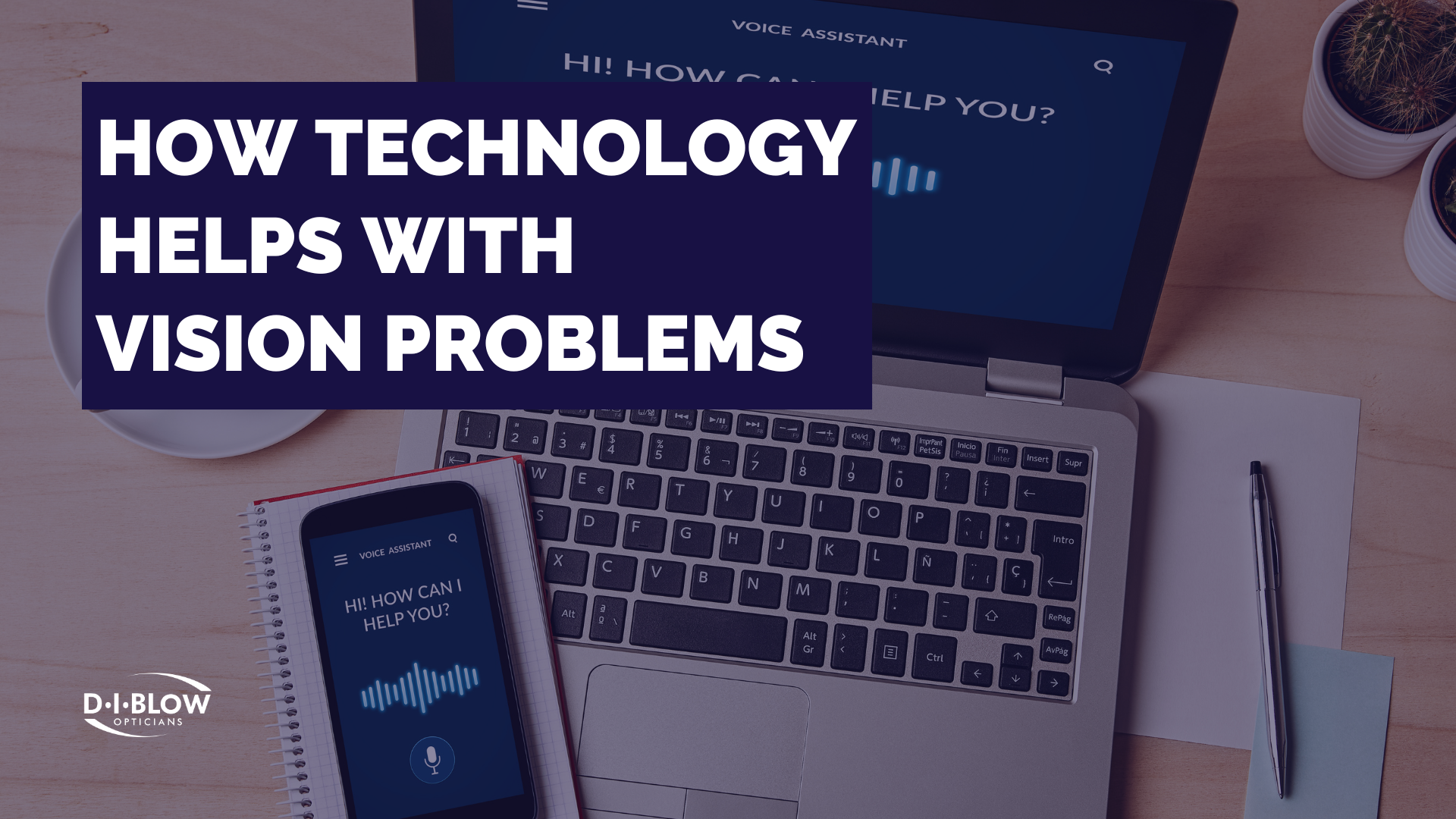
Talk aloud to your device and it will covert what you say into written text. Windows includes voice recognition software and Apple has Voice Control. Additionally for Windows, there is Dragon Individual Professional voice recognition software. Android devices and Google apps also come equipped with Google Speech recognition.
Android Accessibility Features:
• VoiceView screen reader
• Changing font sizes
• Magnification
• Using contrast and colour options
• Using voice control
• Using a braille display
Apple Accessibility Features:
• VoiceOver screen reader
• Changing font sizes
• Magnification
• Adjusting touch settings
• Using voice control
• Adjusting audio and visual settings
What Other Types of Technology Are There?
• Audiobooks
• Audio description for films and TV
• Smart TVs
• Smart Glasses (Vuzix M400, NuEyes Pro glasses, OrCam MyEye, Oxsight glasses, Iris Vision Live)
• Siri/Google Assistant/Alexa
As technology continues to improve, there is hope that companies will continue to incorporate accessibility into their technology and software. This investment will allow for everyone to have equal access to information and ways of communicating.